Aaron Huang | Teaching and workshops
Codex and AIat Work Workshops
This five-session series starts with Codex basics and memory management, then moves through personal knowledge bases and assistants, complete work projects, ongoing work systems, and team collaboration and adoption. Two sessions have been held, with participants from technology, finance and healthcare, including managers and staff. The remaining three are planned for October to December 2026.
Held | Sessions 01–02
Planned | Sessions 03–05
Codex basics, setup and memory management
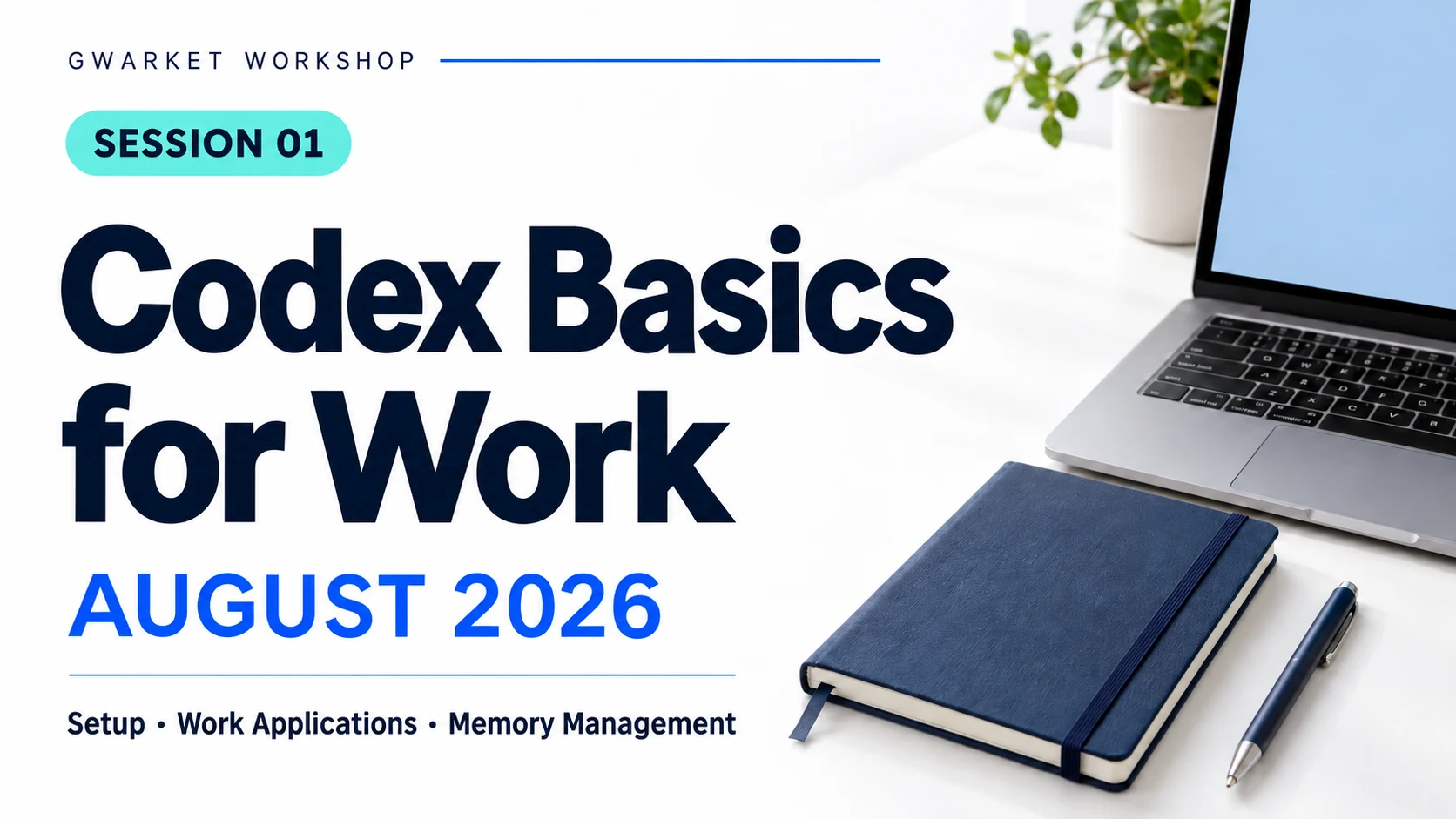
Using Codex at work requires more than knowing its features. You also need to understand the initial setup and which background information to retain as work continues. The first session in August introduced these foundations and their relationship to everyday work.
The session connected initial setup, workplace applications and memory management. Setup provides the starting point; work needs determine how the tool is used; continued collaboration requires managing context and information.
Applying it at work
Start with one task where you need help. Decide what to explain, which settings to check and what background to keep for the next session. These decisions also support later knowledge-base and project work.
Related reading
- Codex setup: folders, permissions, network and approval
Review the setup and approval decisions needed before starting.
- Your first Codex task: from source material to a checkable result
Read a concrete example of task requirements, checking and correction.
- Context, working memory and version management
Distinguish conversations, memory and official versions.
Knowledge bases and personal assistants at work
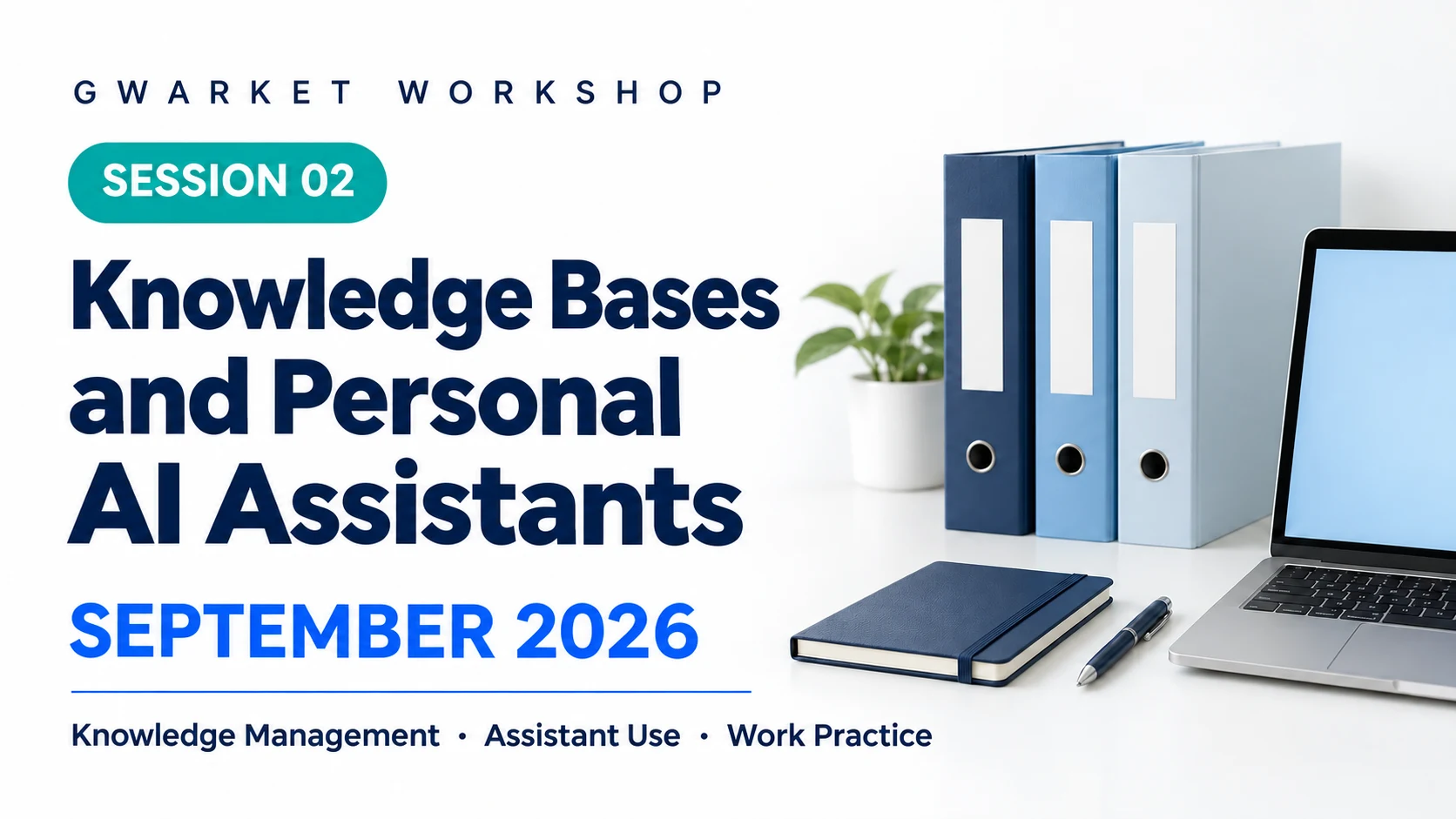
As work information accumulates, what can knowledge bases and personal assistants each contribute? The second session in September moved from the tool itself to information use, introducing how both relate to actual workplace tasks.
The session introduced workplace uses for a knowledge base and ways a personal assistant can help with work needs. Their relationship starts with two questions: what information is available, and what work needs to be done? This connects information organization to assistant use.
Applying it at work
First clarify which information a task requires. Then decide what the knowledge base should retain and what the assistant needs to read. The related reading covers sources, memory and meeting notes as different starting points.
Related reading
- Obsidian AI notes: from saved material to a verifiable knowledge base
Keep sources, notes and answers separate so they can be checked.
- Memory Router: managing context and a knowledge base
Understand when an assistant should read each source.
- Meeting notes: checkable decisions and actions
Use a synthetic example to understand ownership, tasks and unknowns.
Upcoming sessions | From projects to work systems and team adoption
From using tools to completing a real work project
A useful answer does not mean a project is complete. The late-October plan takes a full project as the unit of work, building on the first two sessions to connect requirements, information and outcomes.
The planned session starts by choosing a work problem and clarifying goals and constraints. It then breaks the project into steps, assigns work to Codex and identifies what people must check or decide. Omissions, changes and corrections are included before checking the result against the original requirements.
Planned learning outcomes
Learn to organize a work request into a project that can progress and be checked, and judge when it needs revision or is ready to hand over. The focus is a connected method from requirements to acceptance that can be used on future projects.
Suggested reading
- Project case: turning an ambiguous request into a testable MVP
See how a full project defines scope, acceptance and corrections.
- A four-part task brief
Organize the goal, materials, constraints and completion criteria.
- AI Agent acceptance: a completion message is not a completed task
Distinguish a reply, a deliverable and the work outcome.
From one completed task to an ongoing work system
After a project is completed, can its method be reused? The November plan focuses on repeated work, extending the previous project experience into a system that can be reused, updated and maintained.
The planned session identifies knowledge, rules, tools and steps worth keeping, then defines how to update them when information or requirements change. Quality checks, exception handling and human handover are included so maintenance becomes part of the working method.
Planned learning outcomes
Learn to turn a one-off result into a reusable method. Explain normal operation, when to update it, how to check quality and who takes over when exceptions occur. Apply these decisions to your own repeated work.
Suggested reading
- Advanced case: writing a system specification for model integration
See how versions, states, retries and human decisions connect.
- Instructions / AGENTS.md: rules worth keeping
Retain scope, verification and update conditions for repeated work.
- Workflow reliability: testing Skills, Plugins and processes
Check normal operation, boundaries, failures and reruns.
From a personal work system to team collaboration and adoption
When colleagues need to use a method, responsibility extends beyond the individual operator. The December plan covers team collaboration and adoption, including what the next person needs to know and how a team decides whether to continue.
The planned session starts with roles and handover: who supplies materials, operates the tools, checks results and approves work. It then covers data and tool boundaries. Adoption decisions compare quality, correction work and actual use with the previous method to determine whether to continue, adjust or stop.
Planned learning outcomes
Learn to organize a personal method into a pilot that a team can understand, take over and evaluate. Make responsibilities, operating conditions and continuation criteria clear so the team can decide whether to adopt it.
Suggested reading
- Turn a personal AI method into an SOP colleagues can follow
Describe roles, steps, checks and exceptions.
- Team responsibilities for data, permissions, versions and approval
Clarify responsibilities and working boundaries.
- A first team AI pilot: comparable results and a stopping rule
Establish a baseline and evaluate quality, correction work and continuation.
Confirmed dates and content for the remaining sessions will be updated here.