Transformer Explainer Tutorial: 3 Exercises for Tokens and Temperature
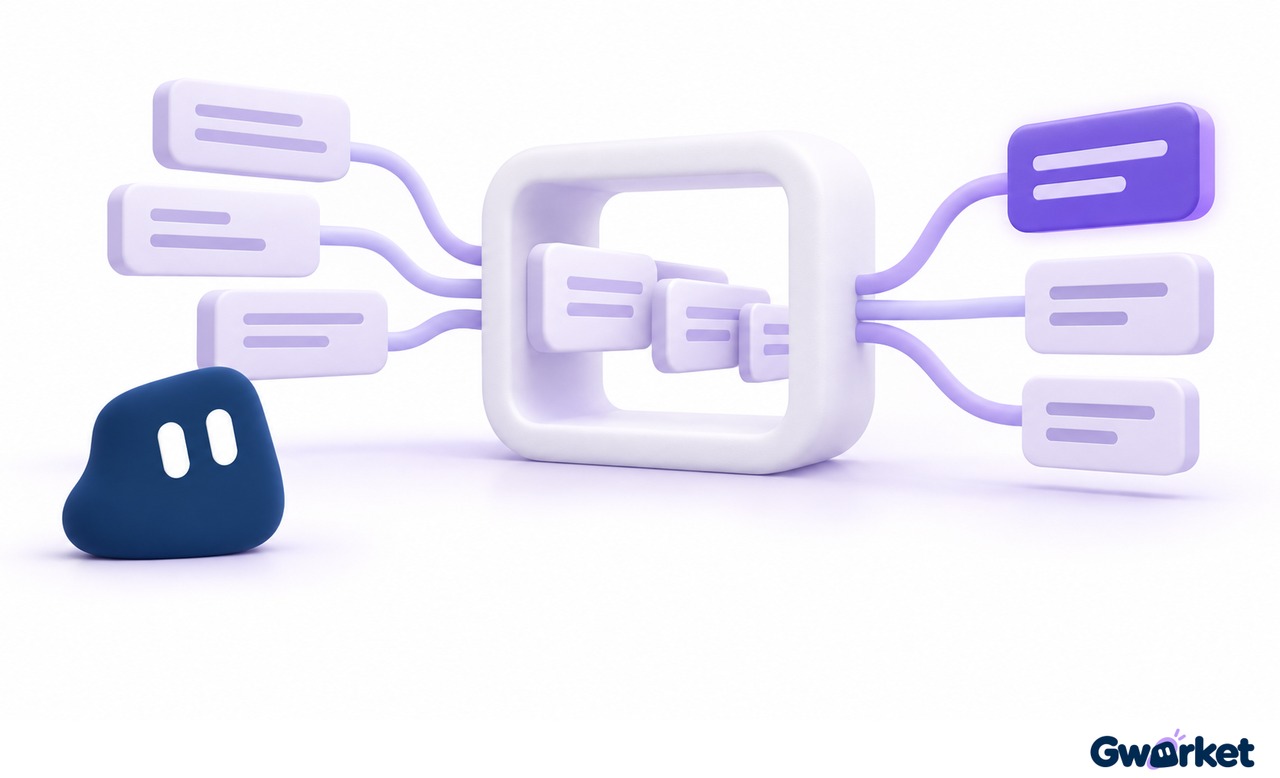
Conceptual illustration: tokenized text combines with context to form a distribution over next-token candidates. This is not a literal model architecture or tool screenshot; candidate probability is not factual accuracy.
Transformer Explainer runs GPT-2 in your browser so you can inspect tokenization and next-token probabilities. This tutorial walks through three exercises that change the input, context or temperature one condition at a time—without requiring programming.
If you want the architectural background first, read Transformer Without the Math: What Attention and Embeddings Actually Do. This guide focuses on what to do in the interactive tool and what to record, rather than repeating attention mathematics, RAG or KV caching.
What does Transformer Explainer actually show?
The tool runs GPT-2 small in your browser and visualizes the path from input text to next-token predictions. You do not need to install a development environment. It is useful for learning architecture, but its display is not a view inside your current ChatGPT conversation, and its writing quality is not a benchmark for today's chat products. Official project repository
The project already had a public research paper in 2024. Its original authors were Aeree Cho, Grace C. Kim, Alexander Karpekov, Alec Helbling, Zijie J. Wang, Seongmin Lee, Benjamin Hoover and Duen Horng (Polo) Chau at Georgia Tech. Hoover also listed an IBM Research affiliation. This is an evolving educational project, rather than a newly launched tool. Original 2024 paper
Before you start: align the input, settings and observations
Open the official tool and locate the text input, Generate, Temperature and Sampling controls. Follow the input tokens, processing flow and output candidates before expanding every detail. The tool supports custom text, sampling adjustments and attention-weight inspection. Official interactive features
You only need three observation targets to begin:
- Token boundaries: One English word does not necessarily equal one token. Read the displayed boundaries rather than estimating from character counts. GPT-2 uses byte-level subword tokenization. GPT-2 paper
- Context: Preserve the original prompt for each comparison. If you have generated more text, that added text can affect the next prediction; changes cannot all be attributed to the setting you just adjusted.
- Candidate probabilities: You are comparing a distribution over the next token, not the accuracy of an entire response. Attention weights describe relationships between sequence positions and should not be confused with output-token probabilities.
Before beginning, record the current temperature and sampling settings. After each trial, return to the same prompt for the next comparison. This prevents accidentally changing both temperature and context at once.
What does temperature change?
The model produces scores for candidate tokens, which are converted into a probability distribution. Temperature changes how concentrated that distribution is. Lower values typically make already-favored candidates more prominent; higher values flatten the differences. Temperature changes sampling behavior—it does not add knowledge to the model. The tool's explanation of output probabilities
Treating low temperature as an “accuracy mode,” or high temperature as an “intelligence mode,” misreads the setting. A token's probability describes how strongly the model favors that continuation in the given context, not the probability that a claim is factually correct. Looking at only one generated result is also a poor way to assess the effects of sampling.
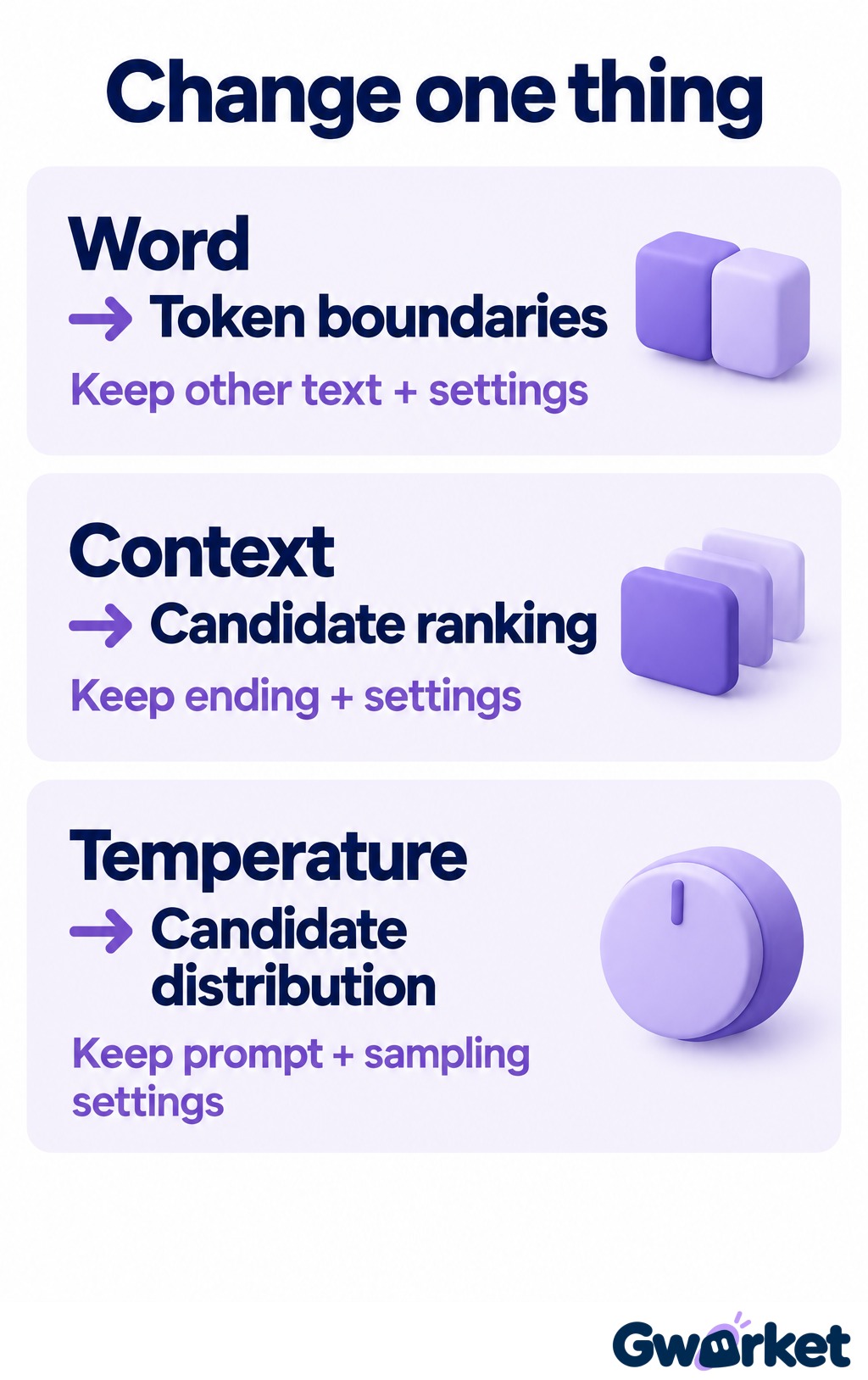
Suggested exercise plan, not reported test results: in each independent exercise, change one condition, keep the other text and settings listed on the card fixed, and record what the interface shows. Candidate probability is not factual accuracy. Keep the other sampling settings, such as top-k and top-p, fixed while temperature is varied.
Three reader exercises: change one condition at a time
These are suggested activities for you to try, not a report of experiments performed for this article. Begin with short English prompts to make the interface easier to follow. Record the input, settings and observations without assuming the model must produce a particular word.
Exercise 1: Inspect token boundaries
- Enter
I like coffeeand inspect token boundaries in the Embedding section. - Record the displayed boundaries and total token count before making a prediction.
- Replace
coffeewith the longer wordinternationalizationand record the result again. - Compare whether each whole word corresponds to one token and whether the total changes.
Look for: Do not substitute a count of spaces for a count of tokens. If the boundaries differ from your expectations, record what the interface shows instead of forcing the rule “one word equals one token.”
Exercise 2: Keep the ending, change the context
- Enter
For breakfast, I would likeand record temperature and sampling settings. - Record the first few displayed candidates, their rankings and probabilities before generating further text.
- Enter
For my birthday, I would likewith the same settings. - Compare candidate rankings and probabilities, then examine differences in attention weights.
Look for: Did changing the text before the shared ending affect the prediction? Do not assume a particular attention head must specialize in breakfast or birthdays. An inconspicuous difference is worth recording too.
Exercise 3: Keep the prompt, change temperature
- Choose one prompt and record the default temperature and candidate probabilities.
- Move temperature lower and record the value and distribution; then do the same at a higher value.
- Return to the same prompt for every comparison so generated text does not become another variable.
- Keep other sampling settings, such as top-k or top-p, unchanged, then try Generate at each setting.
Look for: Inspect whether the distribution becomes more concentrated or flatter before trying repeated generation. Record both the candidate distribution and the token actually sampled. Two identical outputs do not establish that temperature had no effect. This exercise separates a change in the distribution from one particular outcome.
How to record results without overreading one output
Try three passes through the visualization. First, follow the input and output candidates, making sure you know which position the model is currently predicting. Second, examine attention. Distinguish relationships between input positions from probabilities over output candidates: both can appear as numbers or colors, but they answer different questions. An attention weight is not a next-token probability.
On the third pass, expand the mathematical details. Initially, you can read “Embedding” as a numerical representation of text and follow the direction of data through the model blocks. If a matrix dimension is unfamiliar, write down the question and return to it later; you do not need to complete a linear algebra course before following the overall process.
A simple observation table can help: input, changed setting, candidate ranking and open question. If you expected a birthday prompt to produce a gift-related continuation but saw another candidate, preserve that observation. Recording unexpected results is more useful than selecting only examples that confirm your intuition. The goal is to describe changes, not to make the demonstration produce a predetermined answer.
If results appear unchanged, check that the prompt is identical, temperature actually changed, and other sampling settings remained fixed. If no clear difference remains, record that observation rather than repeatedly changing prompts until you obtain the expected result.
What can you take back to everyday AI use?
When revising a prompt, ask whether you have supplied enough relevant background. When comparing settings, keep the other conditions fixed. When checking facts, consult evidence separately rather than treating fluent language or a generation probability as verification.
On your first visit, you do not need to inspect every matrix. Start with the sequence: split text into tokens → incorporate context → produce candidate probabilities → select the next token. Then expand the part that raises a question. Following that process makes it easier to identify what you still need to learn than memorizing every technical term at once.