Both tools extracted the same five Hacker News headlines and opened the same first discussion. With agent-browser, we inspected a full page snapshot before extracting the fields we needed. With Playwright, the script checked the row count and discussion ID in the same run.
Tested on: Debian 12 container, Node.js 22.23.4, agent-browser 0.42.0, Playwright 1.65.0, November 10, 2026.
| What we checked | agent-browser | Playwright |
|---|---|---|
| Front-page output | Inspect the snapshot, then use eval for five rows |
Extract five headlines and links in the script |
| Discussion check | Read the current URL with get url |
Use waitForURL to check the first story ID |
| One run with extraction, navigation, and screenshot | 3.925 seconds | 1.836 seconds |
| Discussion reached | /item?id=50436640 |
/item?id=50436640 |
Which browser interface did we compare?
We tested the Vercel agent-browser CLI against a small Node.js program using the Playwright JavaScript API. In the CLI workflow we could inspect a page, choose a target, and run the next command. In the JavaScript workflow we could keep the extraction rules and expected navigation in a file, then run it again with the same checks. Playwright CLI, Playwright MCP, and Playwright Test are separate entry points. A result about how much text an MCP tool sends to a model cannot explain the runtime of our JavaScript program. agent-browser commands · Playwright Page API
Find the first discussion with agent-browser
We ran npm install agent-browser and npx agent-browser install. The first attempt put --args=--no-sandbox before the subcommand and returned Unknown command: --args=--no-sandbox. Removing that argument let the page open. Run the commands from the directory where you installed the package.
npx agent-browser open https://news.ycombinator.com/
npx agent-browser snapshot
npx agent-browser eval 'Array.from(document.querySelectorAll("tr.athing")).slice(0,5).map(row => { const link = row.querySelector(".titleline > a"); return {id: row.id, title: link?.textContent.trim(), url: link?.href}; })'
In our run wc -lc counted 691 lines and 26,626 bytes in the full snapshot. The snapshot was useful for finding the link. The next step needed only the ID, headline, and URL for five rows. Once you know which fields matter, scope the snapshot or pass along the reduced eval output. Token accounting depends on what reaches the model. agent-browser commands
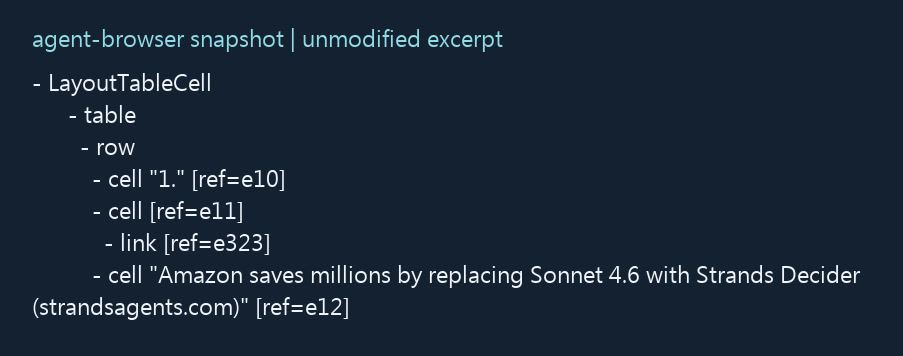
Find the first extracted headline in the snapshot, then identify its comments or discuss link. Replace @e12 below with the ref from your own snapshot. After a reload, take a fresh snapshot. On the final page, check that the URL is on Hacker News under /item and carries the first story’s ID.
npx agent-browser click @e12
npx agent-browser get url
npx agent-browser screenshot hn-agent-comments.png
npx agent-browser close
Assert the destination in Playwright
We ran npm install playwright and used npx playwright install --with-deps chromium in the Debian container. The original script checked the home-page response, extracted five rows, and found the discussion link using the first ID. The terminal printed:
Discussion: https://news.ycombinator.com/item?id=50436640
Elapsed ms: 1836
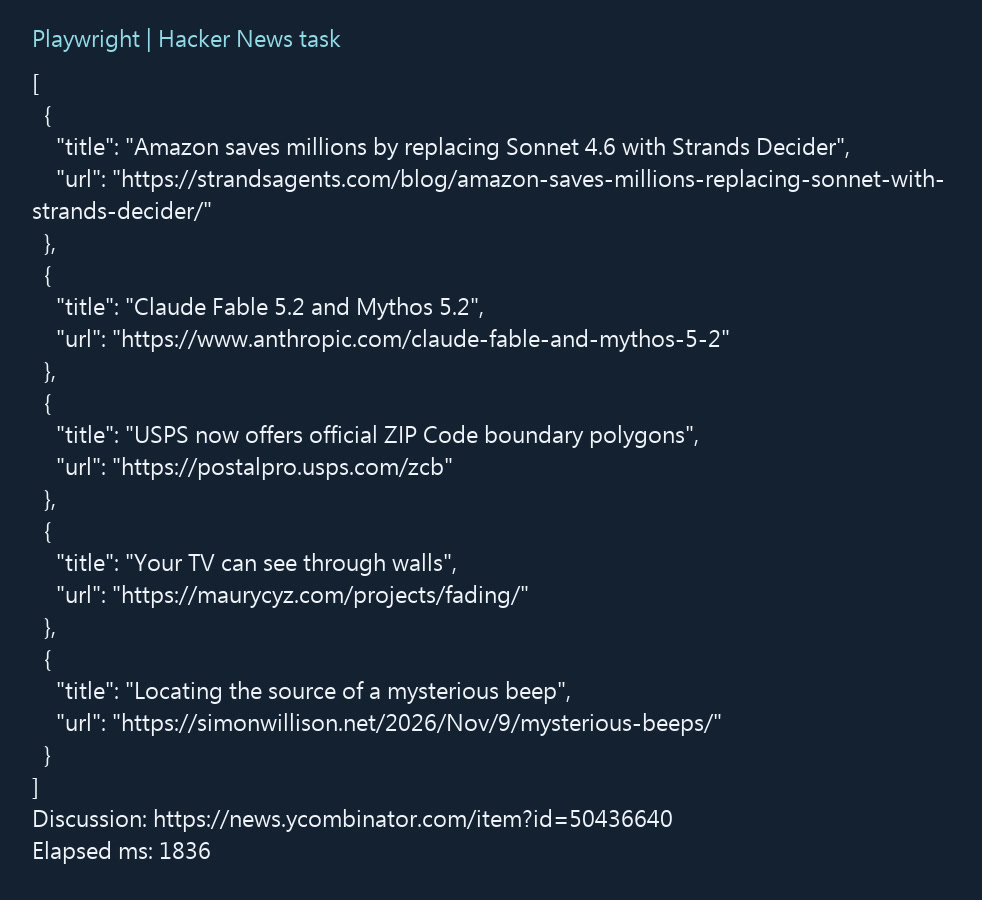
The screenshot presents the original terminal output in a reformatted layout.
Save this runnable version as hn-check.mjs in the directory with Playwright installed, then run node hn-check.mjs. It checks the current top story. The recorded ID above identifies the story from our run. The URL check waits up to 8 seconds and reports the expected ID and current URL on failure.
The headline can lead off-site. The example finds the separate discussion link in the row immediately after the first story, then checks that the link text is “discuss” or a comment count. If the program fails with “No unique comments link for story one,” inspect the link and adjacent row. A longer navigation timeout cannot fix that failure because the click has yet to run. The URL wait starts alongside the click, so the script already has a check in place when navigation begins.
import assert from 'node:assert/strict';
import { chromium } from 'playwright';

const home = 'https://news.ycombinator.com/';
const browser = await chromium.launch();

try {
  const page = await browser.newPage();
  const response = await page.goto(home, { waitUntil: 'domcontentloaded' });
  assert.ok(response?.ok(), 'Could not load Hacker News');

  const posts = await page.locator('tr.athing').evaluateAll(rows =>
    rows.slice(0, 5).map(row => {
      const link = row.querySelector('.titleline > a');
      return { id: row.id, title: link?.textContent.trim(), url: link?.href };
    })
  );
  assert.equal(posts.length, 5, 'Expected five stories');
  assert.ok(posts.every(post => post.id && post.title && post.url),
    'A story is missing an ID, title or URL');

  const [first] = posts;
  const comments = page
    .locator(`tr[id="${first.id}"] + tr a[href="item?id=${first.id}"]`)
    .filter({ hasText: /^(discuss|\d+\s+comments?)$/i });

  assert.equal(await comments.count(), 1, 'No unique comments link for story one');
  try {
    await Promise.all([
      page.waitForURL(url =>
        url.origin === new URL(home).origin &&
        url.pathname === '/item' &&
        url.searchParams.get('id') === first.id,
        { timeout: 8000 }
      ),
      comments.click()
    ]);
  } catch (error) {
    throw new Error('Expected discussion ' + first.id + ', reached ' + page.url(), { cause: error });
  }

  console.log(JSON.stringify({ posts, discussion: page.url() }, null, 2));
  await page.screenshot({ path: 'hn-comments.png' });
} finally {
  await browser.close();
}
To test the first story with a usable discussion link instead, apply that rule to both tools. If the page structure changes, check that tr.athing and .titleline still point to the intended rows and headlines. Playwright locators · Playwright waitForURL
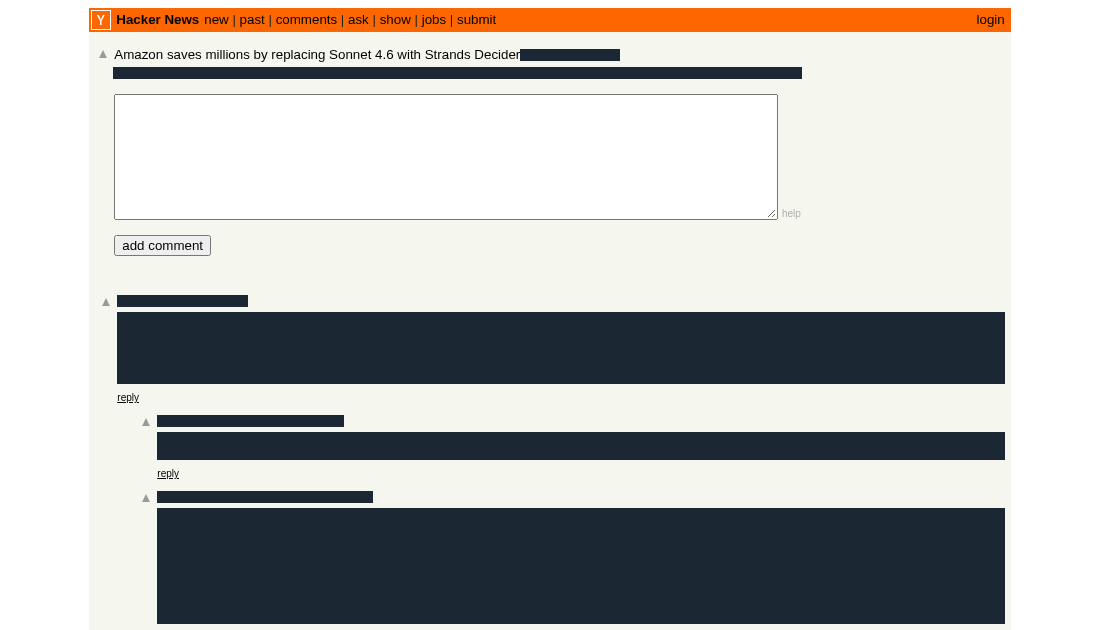
Retest how each workflow catches a page change
The retest used a local page with five fixed stories. Both tools used the same Chrome version and started a fresh session for each case. Each of the two variants changed one condition.
Retested on Windows with Node.js 24.14.0, Chrome 156.0.8078.80, agent-browser 0.42.0, and Playwright 1.65.0 on November 10, 2026. These results are separate from the earlier Debian timings.
| Local fixture | What agent-browser showed | Where Playwright stopped |
|---|---|---|
Original page, expected discussion 101 |
Five rows. After the click, the URL from get url carried id=101. |
Five rows. waitForURL passed. |
Row class changed from athing to story-card |
The snapshot still showed Comments 101. The old eval returned an empty array. |
The old tr.athing locator found zero rows. The count check stopped before the click. |
Link still pointed to item?id=101, but HTTP 302 redirected it to 999 |
The click succeeded. Reading the final URL revealed 999. |
The count passed. waitForURL timed out waiting for 101. The current page was 999. |

A visible link can outlast a CSS selector
The snapshot still had something to inspect, while the CSS extraction used by both workflows returned zero rows. Compare the snapshot to the eval output to locate the break. The agent-browser caller can check the number of results. In Playwright, put that requirement in the script and stop before navigating if it fails.
A successful click can lead to the wrong story
Compare the agent-browser get url result to the first extracted ID after the click. Playwright waited for 101 and raised TimeoutError when it did not match within the 2.2 seconds configured for this test. Reading the current URL tells you whether the browser reached a different story or stayed on the home page.
Browser checks for exploration and repeat runs
| Task | Where I would start | Evidence to keep |
|---|---|---|
| Explore an unfamiliar page | Take an agent-browser snapshot, find the fields and links, then narrow the output. | Extracted fields and the final URL. Keep a fresh snapshot if the layout changes. |
| Run a daily job and hand its result to another process | Put required fields, count, and destination checks in Playwright. | The failed check, expected and actual values, and a screenshot if useful. |
| Keep an agent-browser flow with known rules | Check eval counts and compare the ID from get url in the caller. |
Record missing rows separately from a wrong destination. |
What the two original timings include
Each timing came from one run in a fresh browser. Both returned the same five stories in the same order. The first was “Amazon saves millions by replacing Sonnet 4.6 with Strands Decider.” The clock covered extraction, navigation, and the screenshot. Installation was outside the timer. So were writing the script and any time a model spent reading the output. Measuring reliability or speed over time would require more runs under the same conditions, including failures.
Before writing results to a database, I would distinguish an empty result from a broken extraction. For a job that expects five front-page stories, zero should stop the run. A search job can legitimately find nothing. In that case, require a separate page signal, such as an explicit no-results message, before publishing an empty list.
Login state, isolation, and failure evidence
Neither Hacker News nor the local fixture required login. For your own authenticated app, decide whether every run starts clean or loads an approved state. agent-browser can keep browser operations in a named session. Check the session name when you move between tasks, especially if one session is logged in. Playwright can open a new browser context for each run and load an authorized storage state when necessary. Saved state can include cookies and other material that gives access to an account. Keep it in a private location. The fixture did not test authentication, multifactor login, or switching between live accounts. agent-browser commands · Playwright authentication
Keep the evidence from the point of failure. In a CLI investigation, retain the fresh snapshot, the extracted count, and the URL after the action. If an old ref does not resolve, get a new snapshot and identify the intended control before clicking again. In a Playwright workflow, tracing is an option for collecting actions, snapshots, network activity, and errors. Trace Viewer lets the next person inspect the first step that diverged from the requirement. A trace can also contain page data, so review it before sharing it. Our retest recorded the URLs, error, and screenshot. We did not use a trace to produce those results. Playwright Trace Viewer
If a layout change produces zero rows, compare the new snapshot with the extraction rule. In our fixture the comment links were still visible, which pointed to the changed row class. When a page has a stable control name or a test ID you own, that can be a better target for a click. Keep a structural selector when the structure is necessary to read the fields, then fail explicitly if no rows match. After fixing it, run the baseline, the renamed row class, and the wrong redirect. That last case helps catch a repair that accidentally stopped checking the destination.
Measure output, runtime, and recovery separately
An interactive snapshot can help when you need a link or button. If a requirement depends on surrounding text, keep a snapshot or extraction that includes that text. agent-browser snapshot options
Bytes are an output size, not a token or billing measurement. To compare tokens, use the same model and task, and capture what actually entered each request, including tool results and retries. A JavaScript program that makes a decision itself may never send a snapshot to a model. We did not measure the model’s input tokens, install time, or how long it took to write either workflow. A result from another article using a different task or interface should stay separate from these times.
For a daily job, include recovery in the comparison. If a redirect returns a valid page at the wrong URL, success at the click layer can send bad data to the next process. Record the expected ID next to the actual URL so the person on call can tell whether to inspect a selector or a redirect. To compare runtime, use the same browser environment, inputs, and success checks. Time setup, extraction, navigation, and diagnostics separately. Test fresh sessions and reused sessions as different runs, since an existing session may skip startup work.
When another browser tool fits the job
If your team already maintains a Puppeteer workflow with reliable checks, add the missing assertion there before replacing the workflow. Puppeteer provides a JavaScript interface for controlling a browser. For browser checks that should run alongside a larger suite, Playwright Test can express the required count and destination as assertions. If you need natural-language actions inside a program, Stagehand provides that interface. These descriptions come from the projects’ documentation. We did not benchmark them in the fixture. Puppeteer documentation · Playwright Test · Stagehand documentation
For a hosted workflow, ask where login state lives, how a failed run is recorded, and whether the bill is for browser time, model requests, or both. Check those terms on the provider’s pricing page before comparing cost. We ran on local browsers and did not measure hosted browser charges, model usage, or a site’s anti-automation behavior.